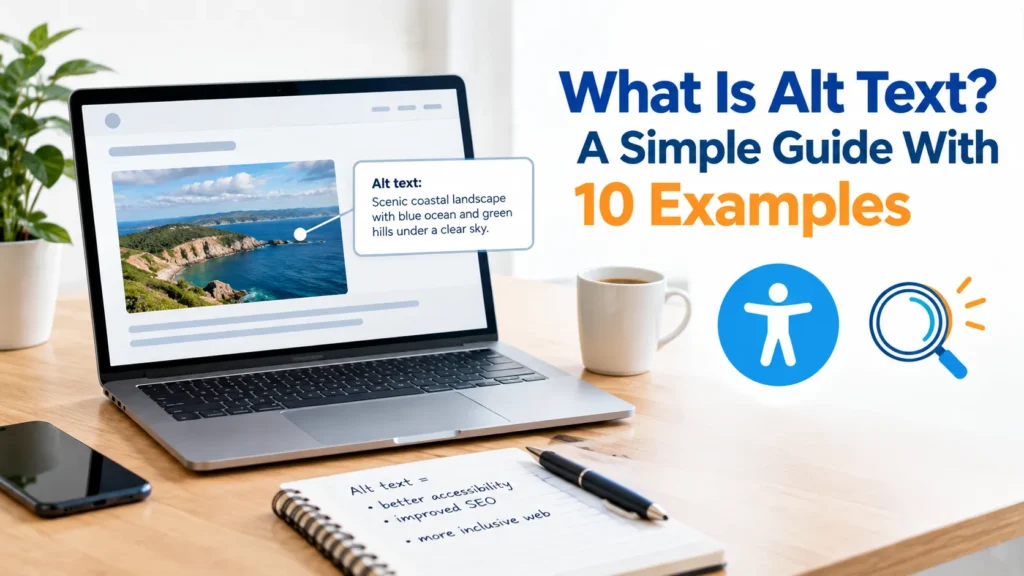
What is alt text, and do you really need it on every image? Many Australian website owners skip it because it looks like a small, boring field. But alt text helps people who use screen readers, helps search engines understand your images and shows up when an image fails to load.
This guide explains what alt text is, why it matters in Australia, how to write it and gives you 10 simple examples. All examples are original, and the businesses are made up. The spelling is Australian, and the examples come from places such as Sydney, Melbourne and Perth.
What Is Alt Text?
Alt text (short for “alternative text”) is a short written description of an image. It sits in your page’s code, not on the visible page. You usually add it in a field called “Alt Text” when you upload an image to WordPress.
Alt text does three jobs:
- Accessibility: a screen reader reads it aloud to people who cannot see the image.
- SEO: search engines use it to understand what the image shows.
- Backup: if the image does not load, the text appears instead.
So if you are asking “what is alt text in simple words?”, it is a plain description of a picture, written for people and search engines that cannot see it.
Why Alt Text Matters in Australia
Accessibility is a real issue in Australia. The Australian Human Rights Commission explains that the Disability Discrimination Act applies to websites, so Australian businesses should aim to make their content usable for people with a disability. The widely used standard is WCAG, published by the W3C, and it asks for text alternatives for images. This is general information, not legal advice. Ask a qualified professional about your own situation.
Alt text also helps your business:
- It helps more customers use your site, including people with low vision.
- It gives Google extra context, which can support your image search visibility.
- It improves the overall quality of your pages.
For a wider view of how images fit into search, read our SEO copywriting guide.
Where Alt Text Appears (Table 1)
| Situation | What happens to alt text |
|---|---|
| A visitor uses a screen reader | The reader speaks the alt text aloud |
| The image fails to load | The alt text appears in its place |
| Google crawls your page | Google reads it as a clue about the image |
| A visitor hovers (on some older browsers) | A tooltip may show, but do not rely on it |
What Makes Good Alt Text?
Good alt text is short, specific and honest. Follow these rules:
- Describe what matters. Say what the image shows and why it is on the page.
- Keep it short. A common guide is about 125 characters or fewer, though shorter is usually better.
- Skip “image of” or “picture of”. Screen readers already say it is an image.
- Use your keyword only when it fits. Never stuff keywords into alt text.
- Match the page. The description should fit the surrounding content.
10 Alt Text Examples (Table 2)
Here are 10 alt text examples for made-up Australian businesses. Each shows a weak version and a better one.
| # | Image | Weak alt text | Better alt text |
|---|---|---|---|
| 1 | Plumber fixing a sink, Brisbane | “plumber” | “Plumber fixing a kitchen sink in a Brisbane home” |
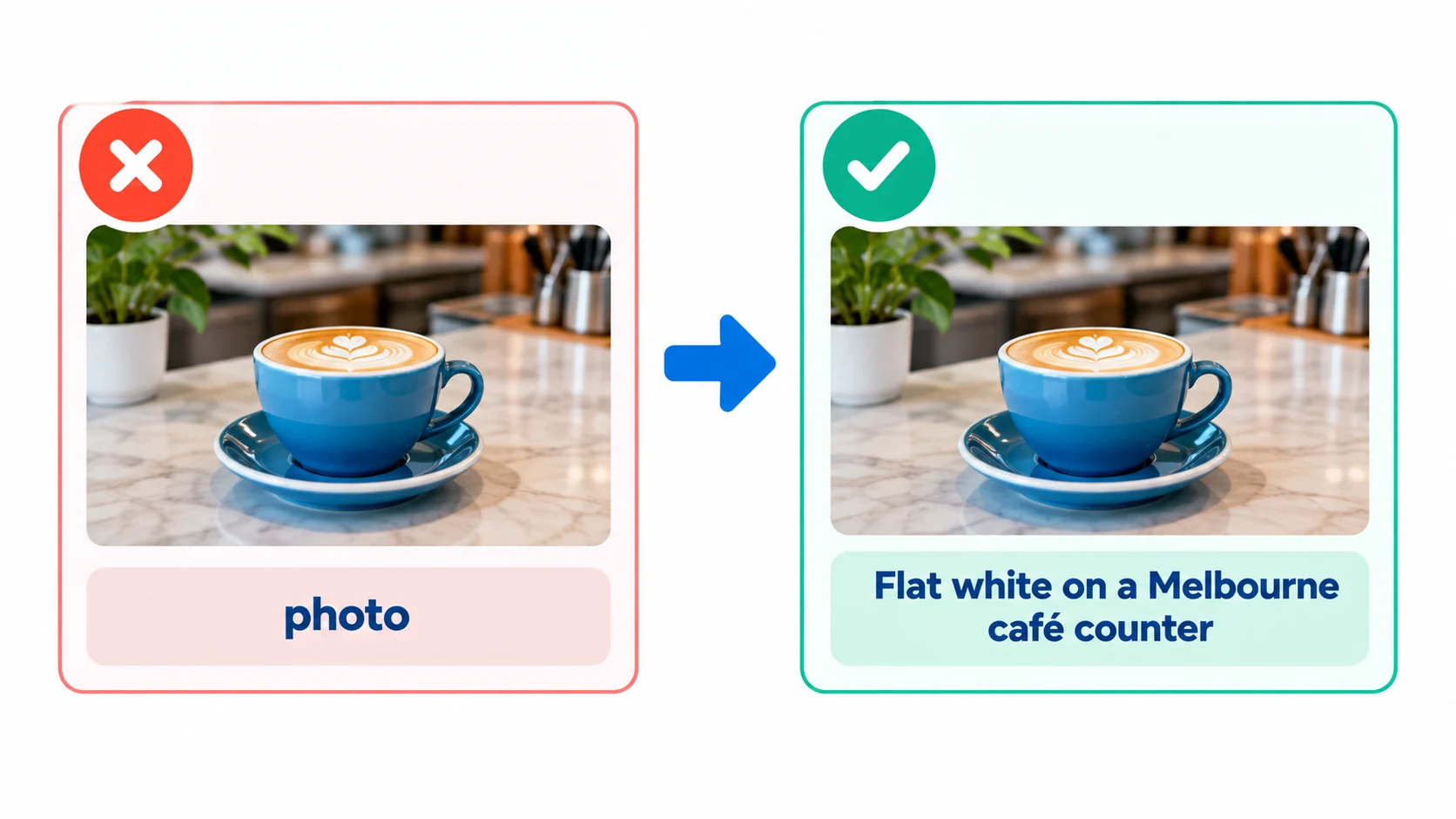
| 2 | Latte on a café counter | “coffee coffee best coffee Melbourne” | “Flat white on the counter of a Melbourne café” |
| 3 | Team photo of an accounting firm | “team” | “Three Perth accountants smiling in their office” |
| 4 | Product photo of a soy candle | “candle” | “Handmade soy candle in a glass jar, poured in Hobart” |
| 5 | Chart showing website visitors | “chart” | “Line chart showing website visitors rising from 200 to 800 per month” |
| 6 | Company logo (made up) | “logo” | “Harbourline Coffee Roasters logo” |
| 7 | Screenshot of a booking form | “screenshot” | “Online booking form with date, time and phone number fields” |
| 8 | Garden after landscaping, Adelaide | “garden” | “Backyard in Adelaide with new lawn, timber deck and native plants” |
| 9 | Decorative line between sections | (any text) | Leave the alt text empty (see below) |
| 10 | Founder headshot | “photo of person” | “Priya Shah, founder of Brightpath Digital, in the Sydney office” |
Notice the pattern. Better alt text names the subject, the action and, where it helps, the place. It does not repeat keywords.
Alt Text for Decorative Images
Some images are only decoration, such as a thin divider line or a background shape. For these, leave the alt text empty so screen readers skip them. This keeps the experience smooth, instead of reading out meaningless descriptions. The W3C’s images tutorial explains the difference between informative and decorative images.
How to Write Alt Text in 5 Steps
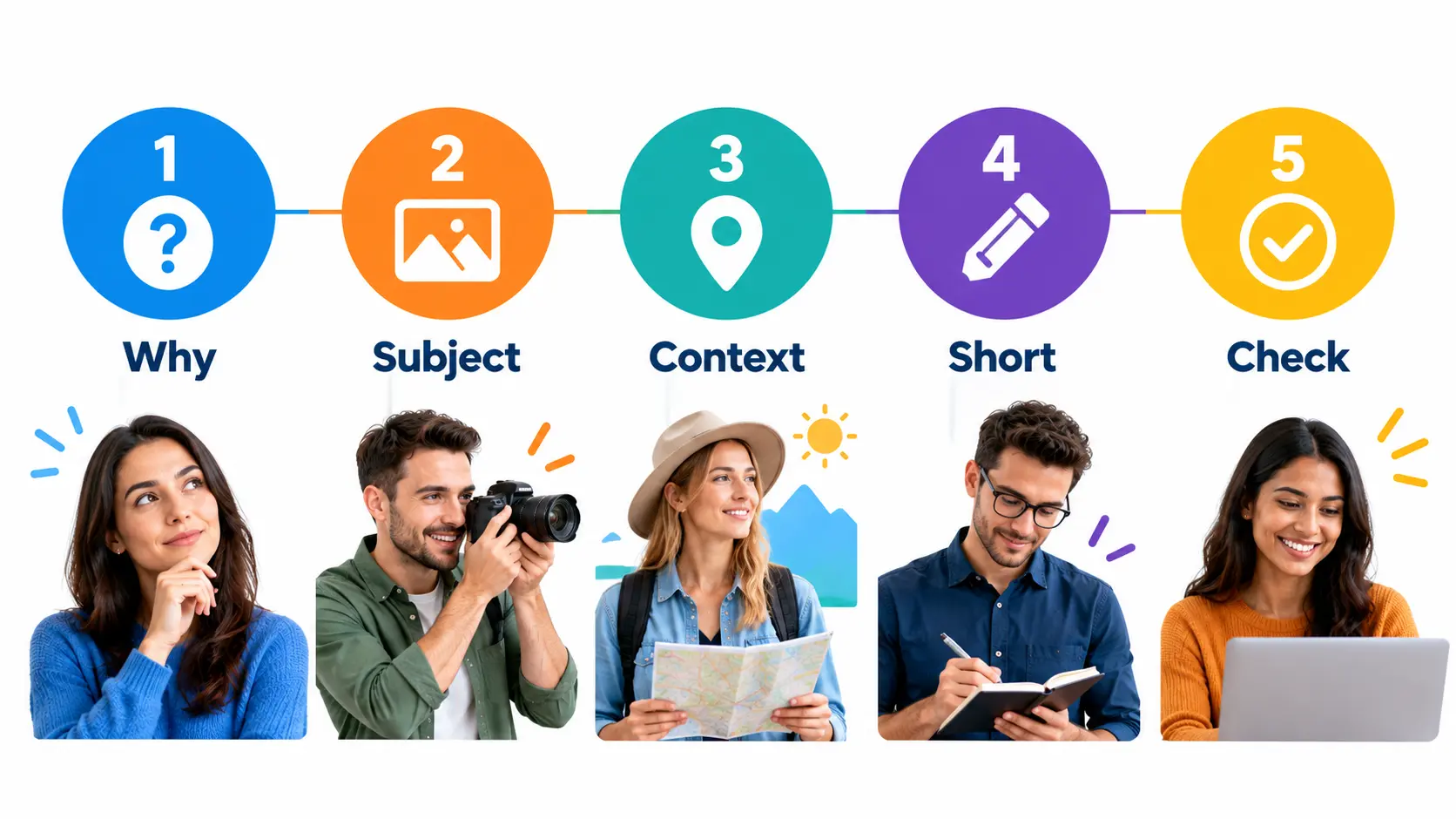
1. Ask why the image is there. If it adds meaning, describe it. If it is decoration only, leave it empty.
2. Describe the main subject. Say who or what is in the image and what they are doing.
3. Add context if it helps. For example, add the suburb or the product name, but only when relevant.
4. Keep it short and natural. Read it aloud. If it sounds odd, rewrite it.
5. Check your keyword use. If your focus keyword fits the image naturally, include it once. If not, leave it out. Our keyword density checker helps you review how often you use a phrase across the page.
If you want a quick draft, our free image alt text generator can give you a starting point, but always read and edit the result so it truly matches your image.
How to Add Alt Text in WordPress
- Open your post and click the image.
- In the right-hand panel (or the image details box), find the Alt Text field.
- Type your description.
- Click Update.
If you upload images to the Media Library, you can also add alt text there so it is ready the next time you use the image.
Alt Text and Image SEO
Alt text is one part of image SEO. Google’s image SEO guidance also recommends using descriptive file names, good page context and fast-loading images. A tidy process looks like this:
- Use a clear file name, such as
harbourline-coffee-melbourne.webp. Our SEO slug generator can help tidy names. - Add alt text that describes the image.
- Place the image near the text it relates to.
- Compress the image so the page loads quickly.
If you are still choosing the phrases your pages should target, start with our guide on how to find relevant SEO keywords.
Common Alt Text Mistakes
- Leaving the field empty on important images.
- Writing “image of” or “photo of” at the start.
- Stuffing keywords: “cheap web design Sydney best web design Sydney”.
- Writing a whole paragraph instead of one short description.
- Using the same alt text on every image.
- Describing a decorative image when it should be left empty.
- Copying the file name, such as “IMG_4021.jpg”.
Alt Text Checklist
- Does the alt text describe the image, not repeat the page title?
- Is it short, ideally under about 125 characters?
- Does it avoid “image of” or “picture of”?
- Is any keyword used naturally, and only once?
- Are decorative images left empty?
- Does the page still read well? Check it with our readability checker.
For deeper reading, WebAIM has a helpful guide on alternative text, and the Australian Human Rights Commission publishes advice on web accessibility.
FAQ
What is alt text in simple words?
It is a short description of an image, written so that screen readers and search engines can understand what the picture shows.
Why is alt text important for SEO?
It gives search engines extra context about your images, which can help them appear in image search. It also supports a better user experience.
How long should alt text be?
Aim for a short sentence, ideally under about 125 characters. Shorter is usually clearer.
Is alt text required in Australia?
Australian businesses should make their websites accessible, and WCAG asks for text alternatives for images. Check current guidance from the Australian Human Rights Commission and ask a qualified professional about your situation.
Do I need alt text on every image?
Add it to every meaningful image. For purely decorative images, leave the alt text empty.
How do I add alt text in WordPress?
Click the image, find the Alt Text field in the settings panel and type your description, then update the post.
What is the difference between alt text and a caption?
Alt text is hidden in the code and read by screen readers. A caption is visible text under the image for everyone.
Can I use my keyword in alt text?
Yes, but only when it fits the image naturally. Do not repeat it in every image.
Conclusion
So, what is alt text? It is a short, honest description of an image that helps people who cannot see it and helps search engines understand your page. Write it for the reader, keep it short, leave decorative images empty and use your keyword only when it fits. For Australian businesses, good alt text also supports a more accessible website. Want help improving your website copy and images? Contact us.

- I’m Saba Sheikh, a self-employed copywriter and SEO content writer specializing in website copy, landing pages, SEO blog writing, product descriptions, and email copywriting. I create search-optimized, conversion-focused content that helps startups, small businesses, and eCommerce brands grow their online presence and attract more customers.